
Grid
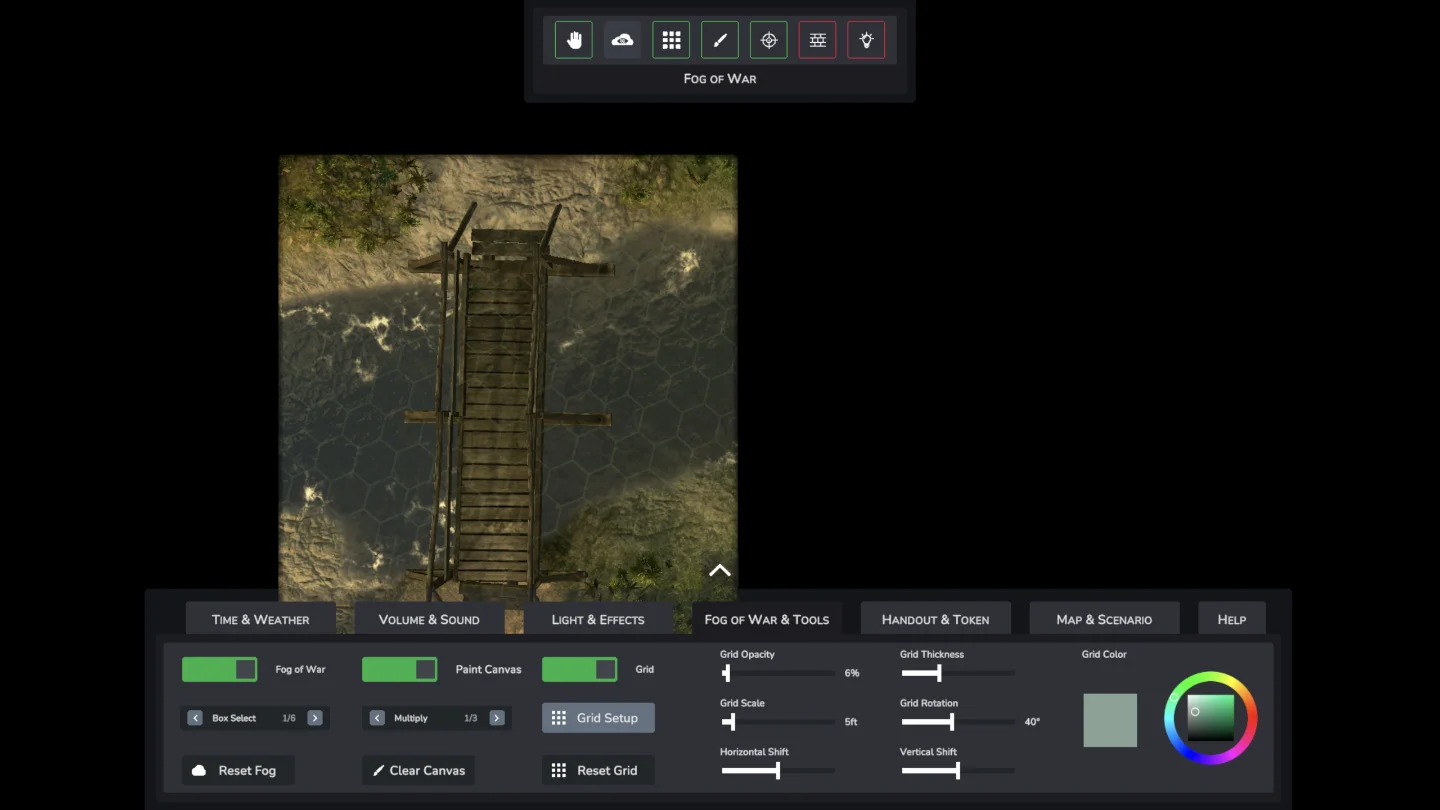
Fog of War & Tools
This is about tools! Everything you need to stay in control at the table and get Infinite Realms to do what you want quickly and easily. By the way, the Fog of War & Tools Tab can be opened via the F hotkey! Fog of War & Tools Tab This article steps a bit out of the shadow of the other tutorials, which always refer to a single tab in the bottom menu.
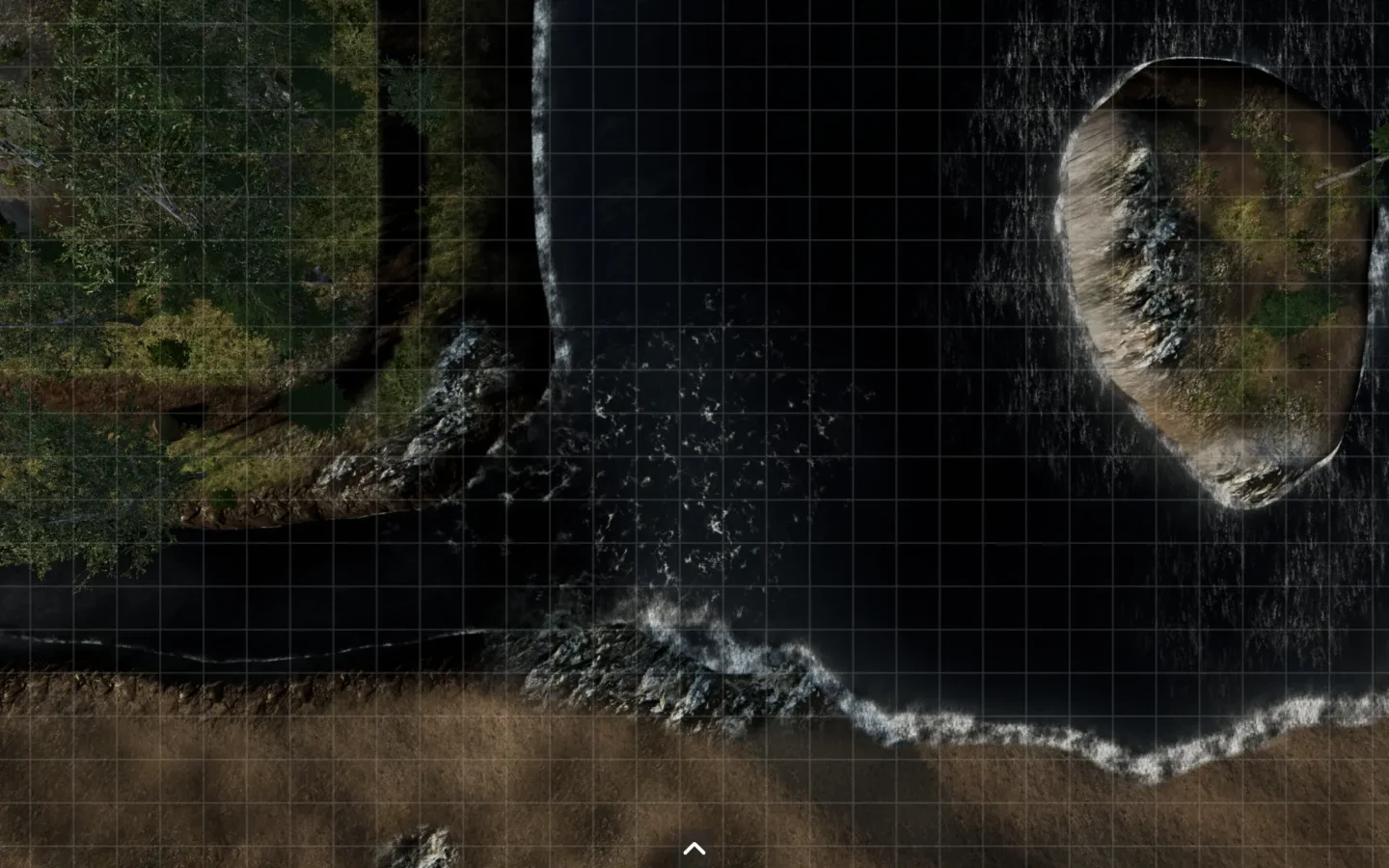
Fog of War and Grid
Fog of War Who does not know it? Whether the map was included in an adventure or you found a map to match the adventure, as a dungeon master you just don’t want the party members to see everything on that map right away, if only to maintain the element of surprise. Imagine that your party is going through a forest, a cave or a castle. The map is quite big and there is a lot to see, maybe there should be some enemies on there.